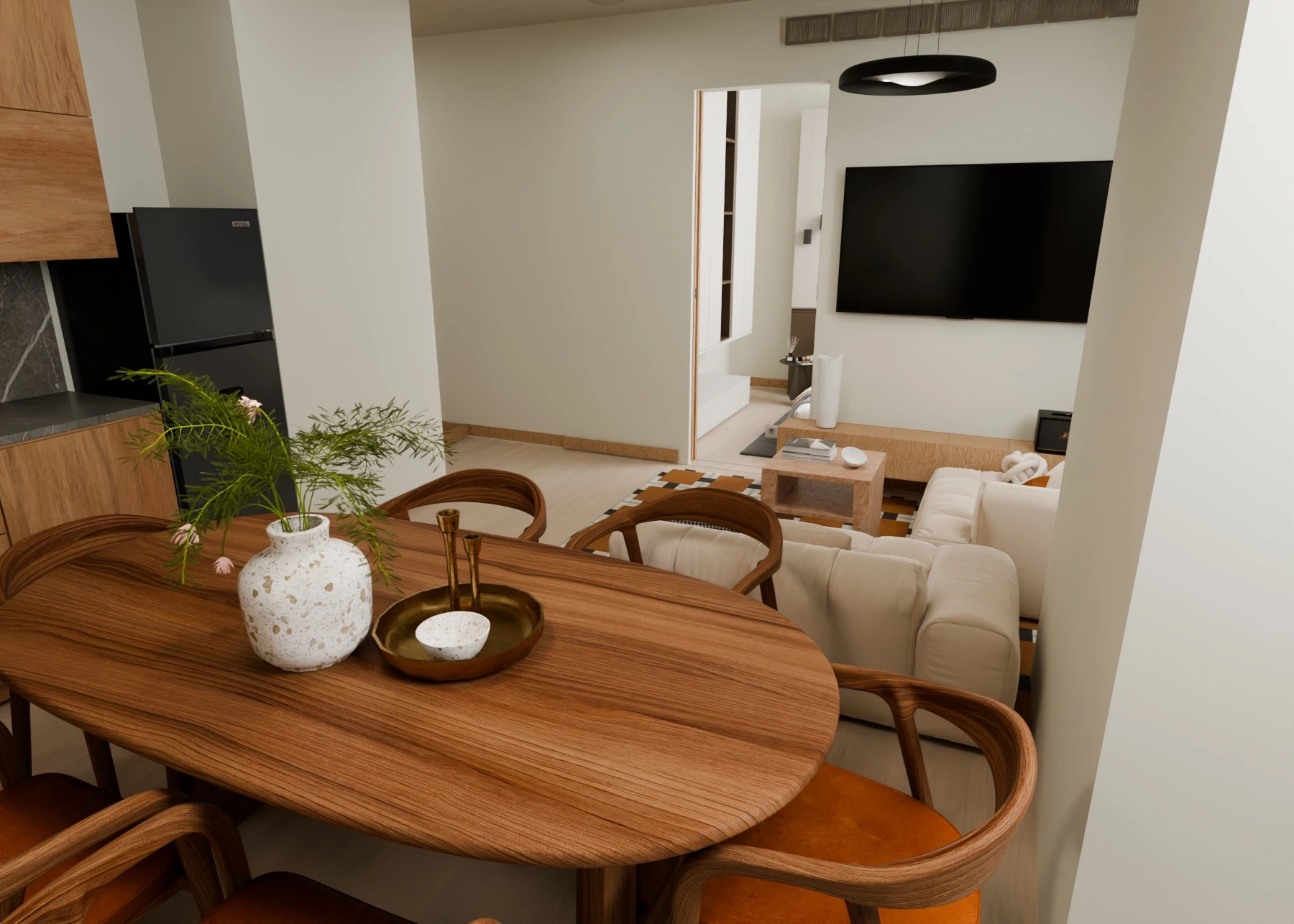
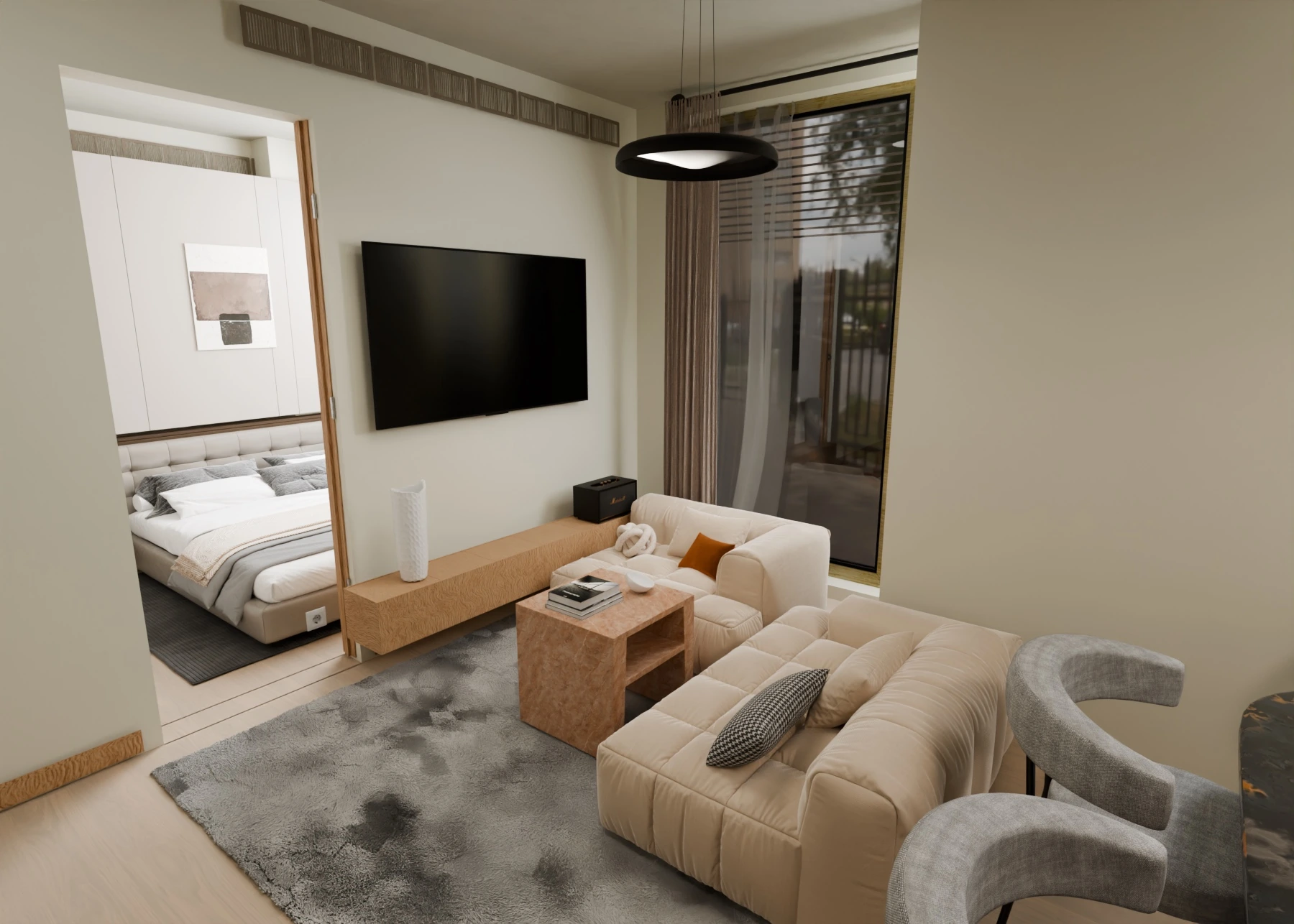
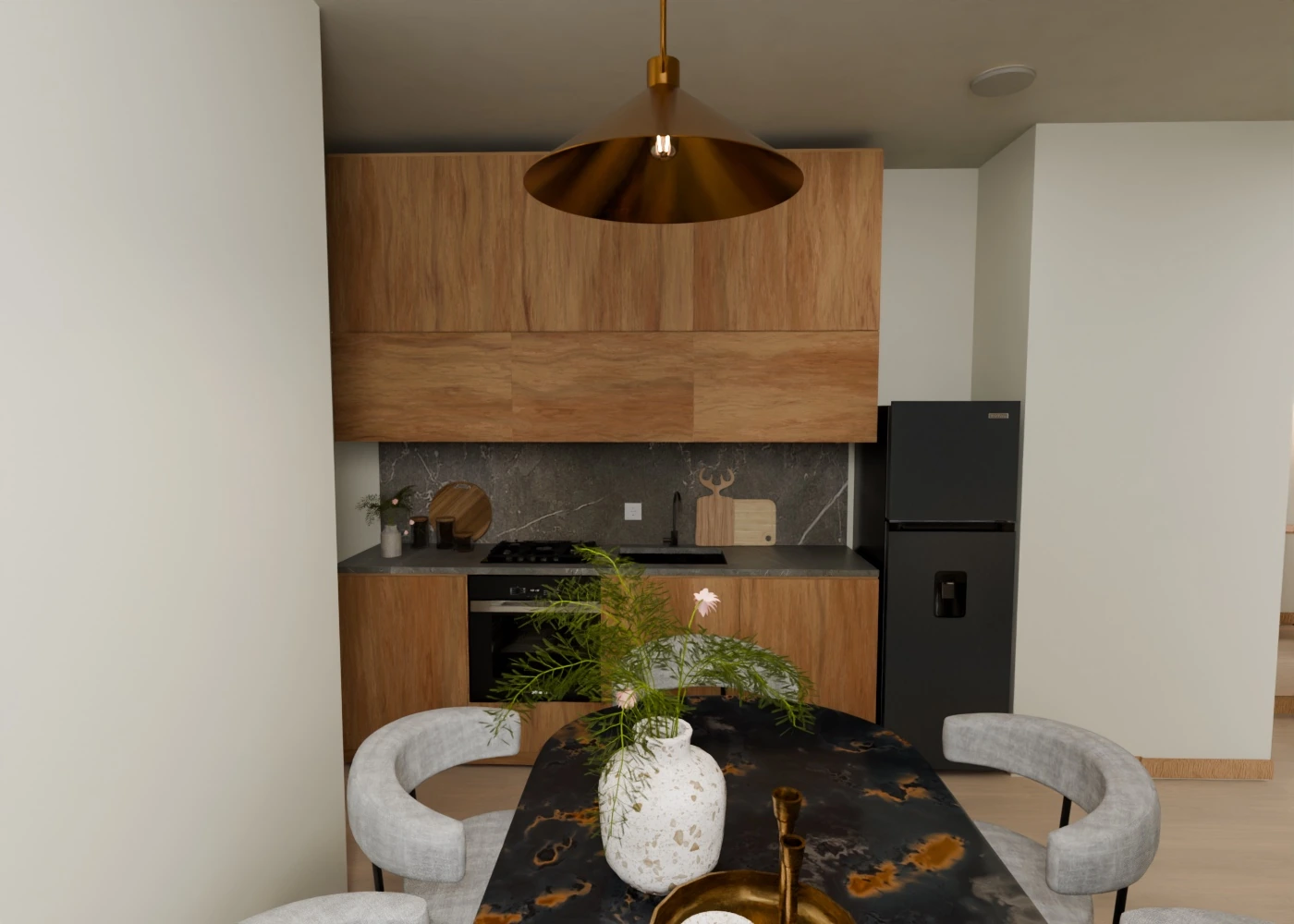
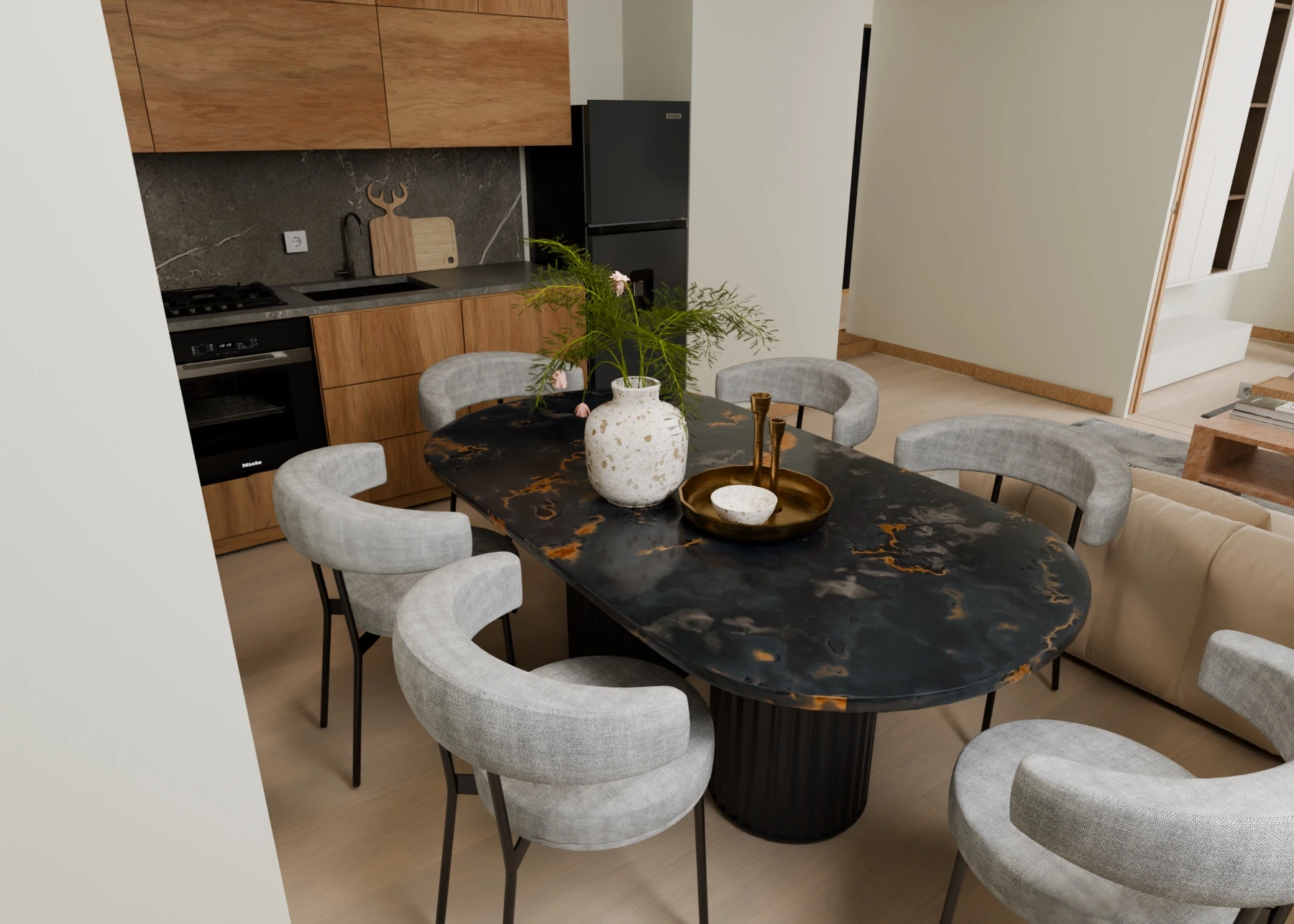
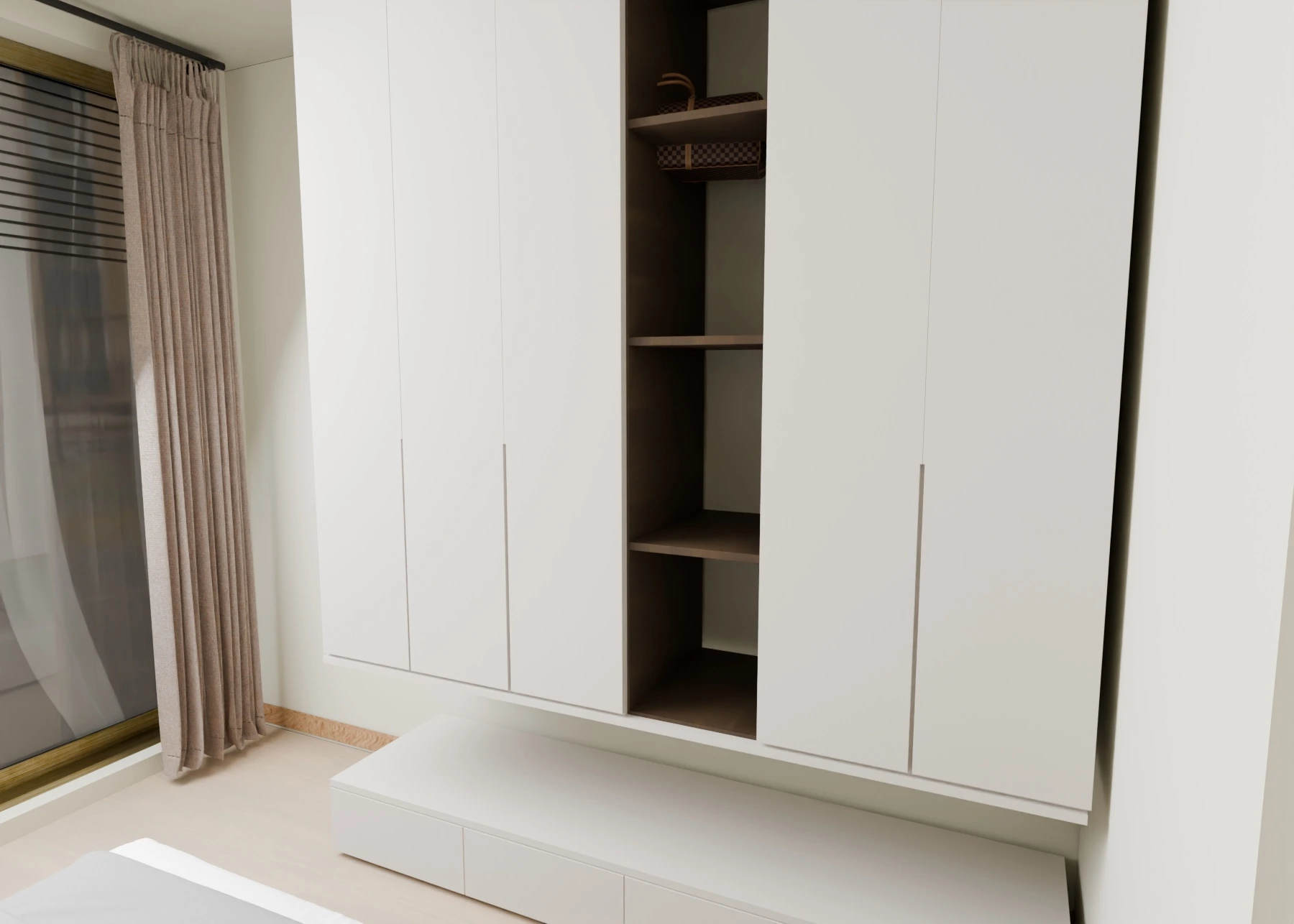
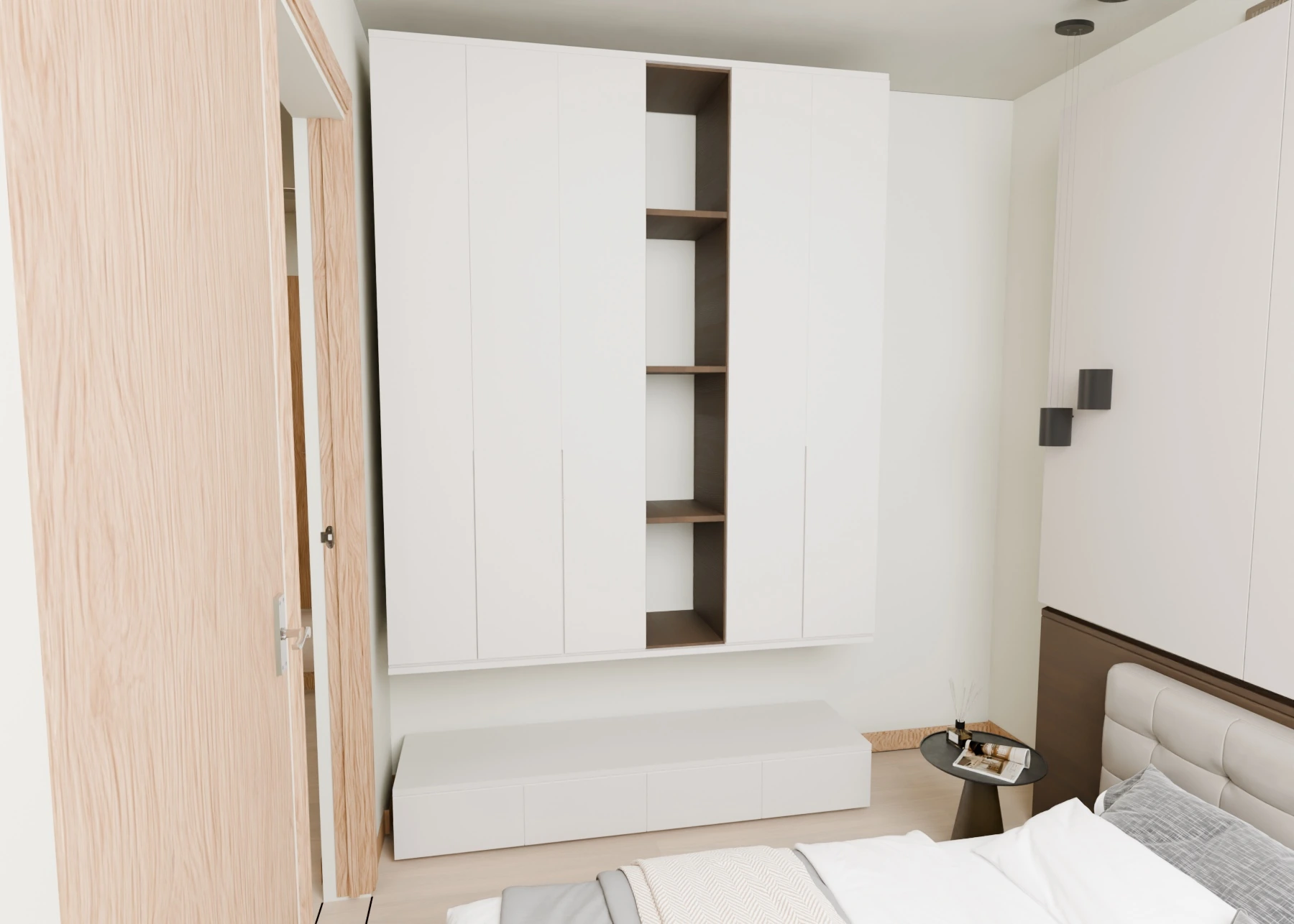
The selected apartment furniture, in Blender.
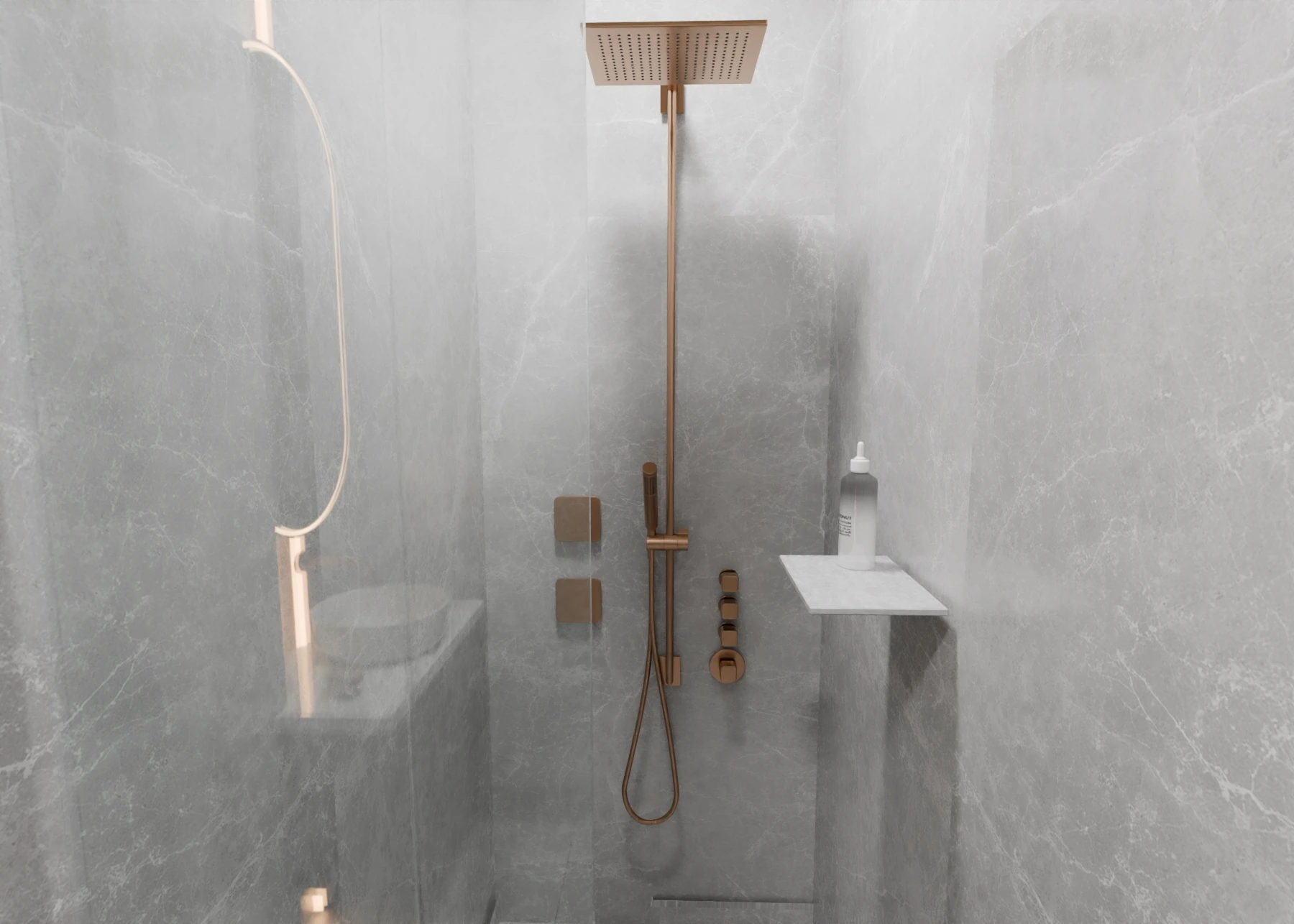
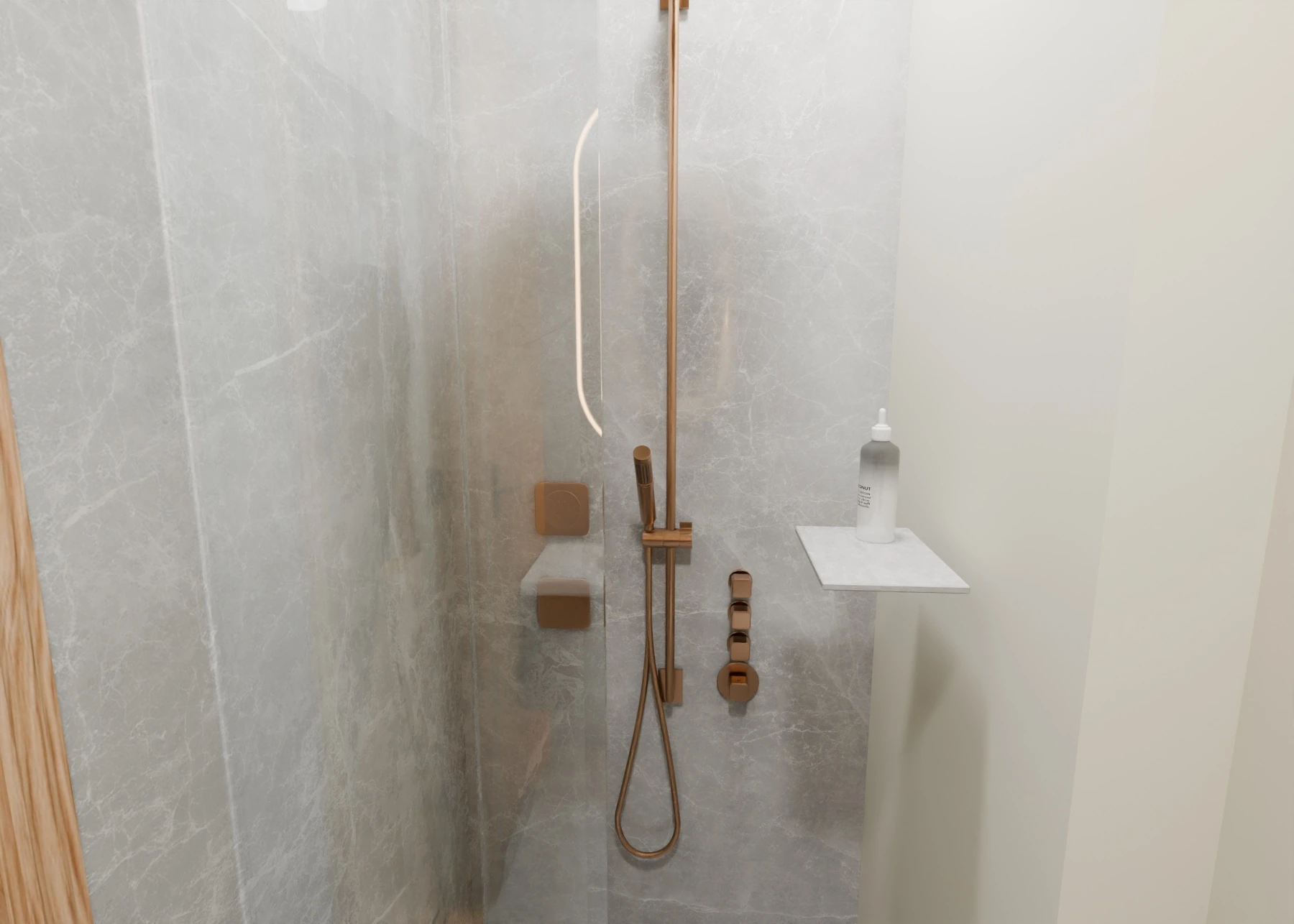
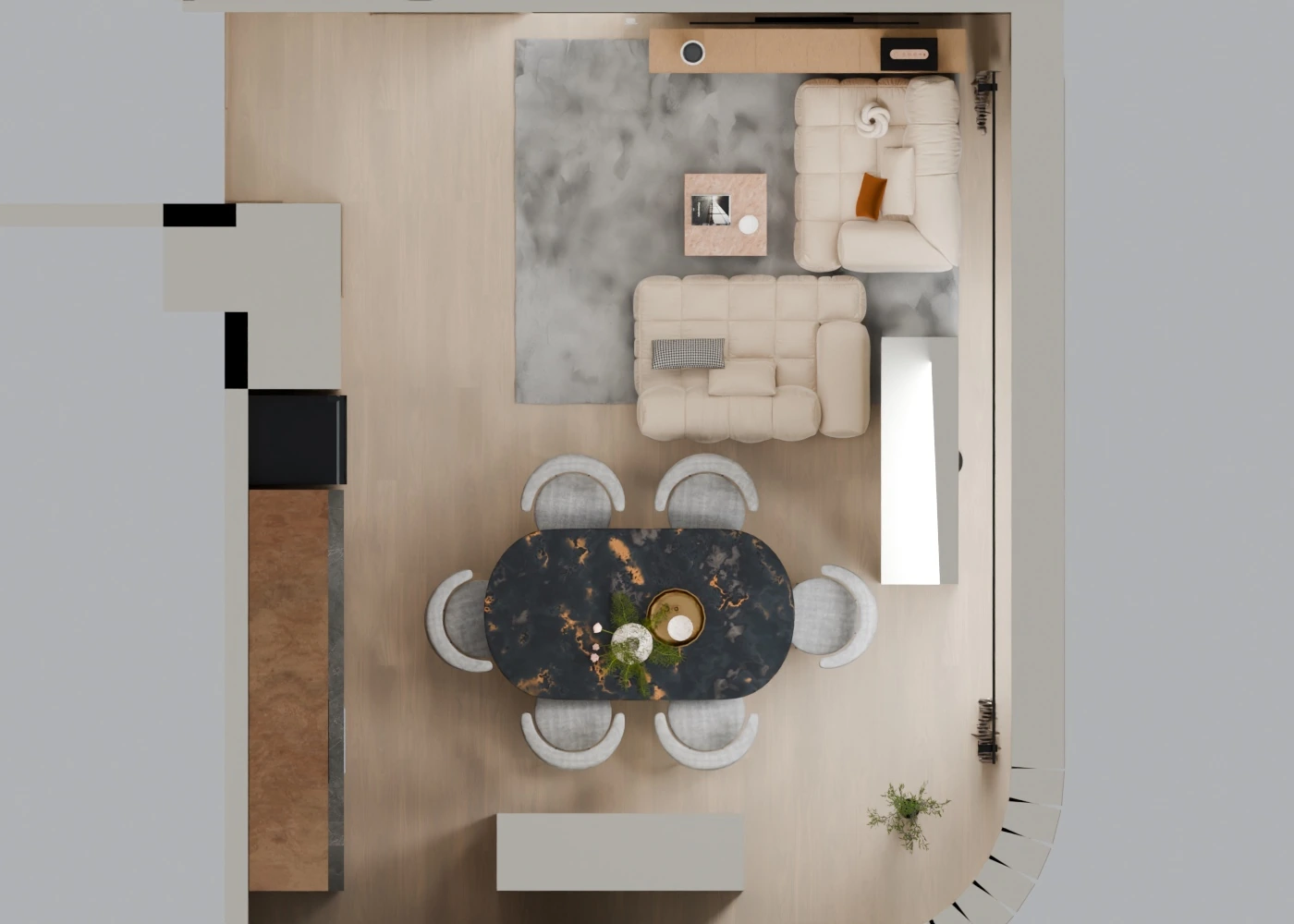
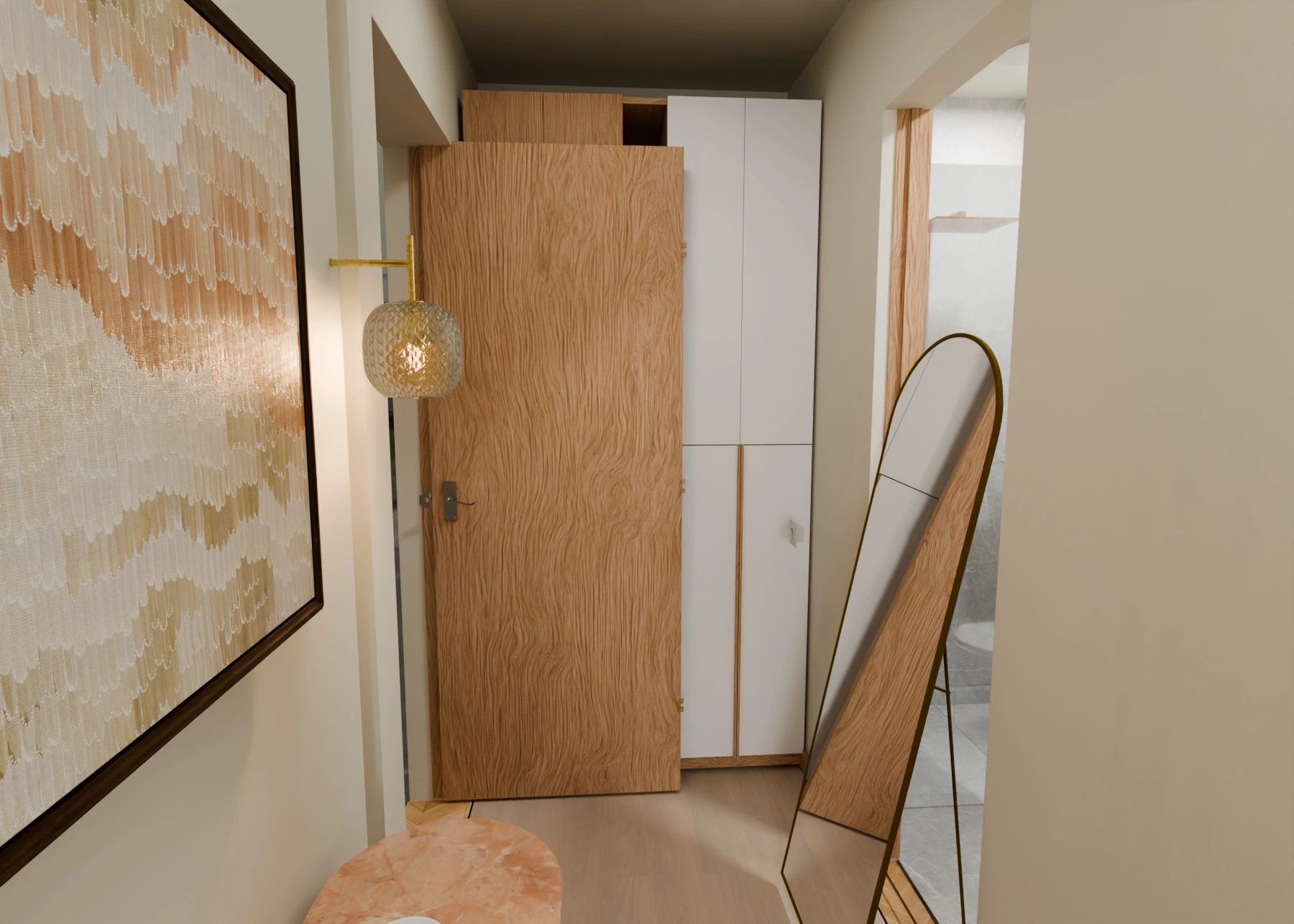
Native Blender reference renders of the downloaded furniture and room assemblies fitted to Skyline A3–5.
The 1 October references include the selected dark marble dining table, six gray upholstered chairs and gray living-room rug. They precede the latest lighting and finish corrections. Use the interactive home to review the continuous dry-room wood floor, flush bathroom tile, painted skirting, black window frames, illuminated fixtures and narrower Bedroom 2 bed.
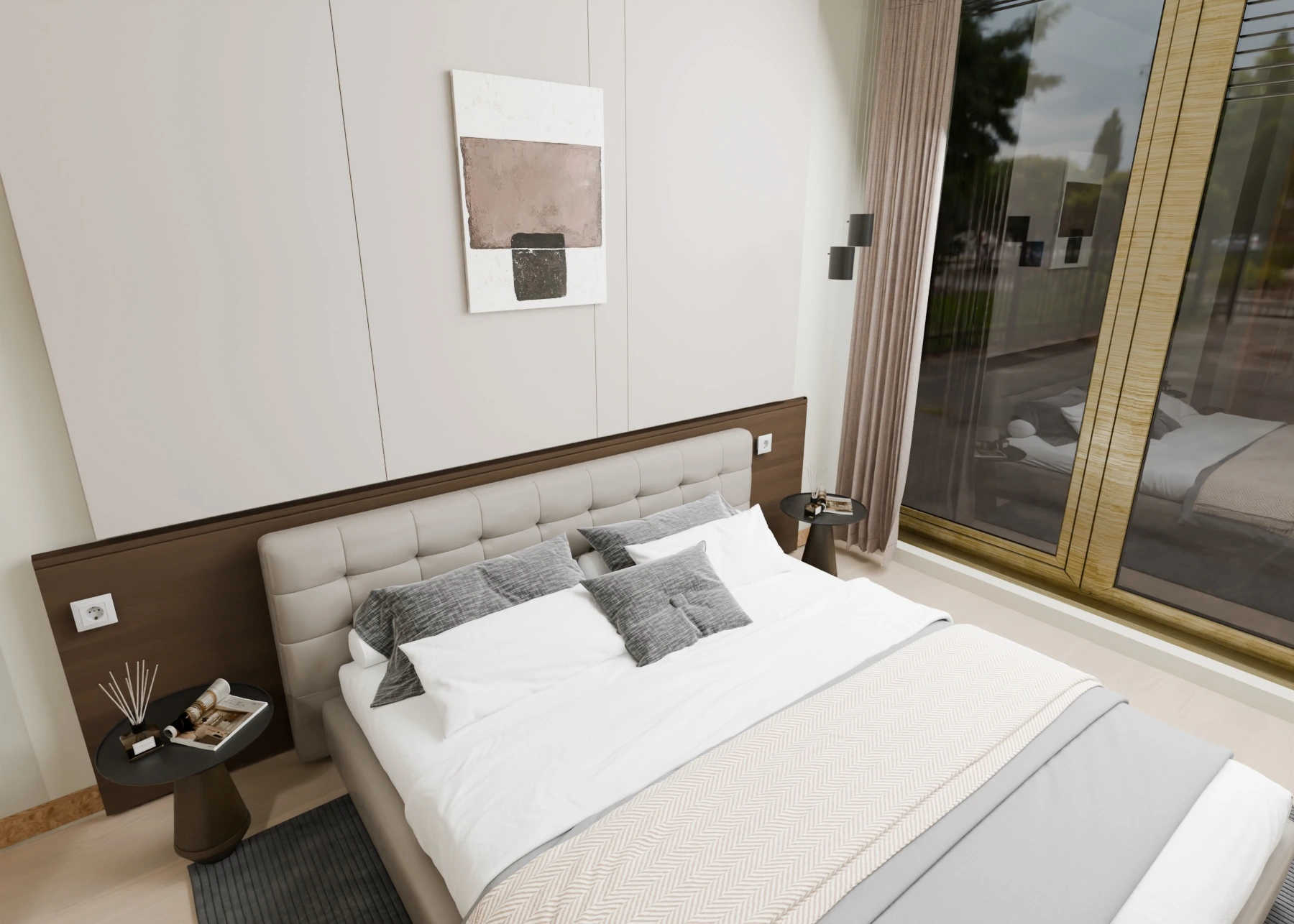
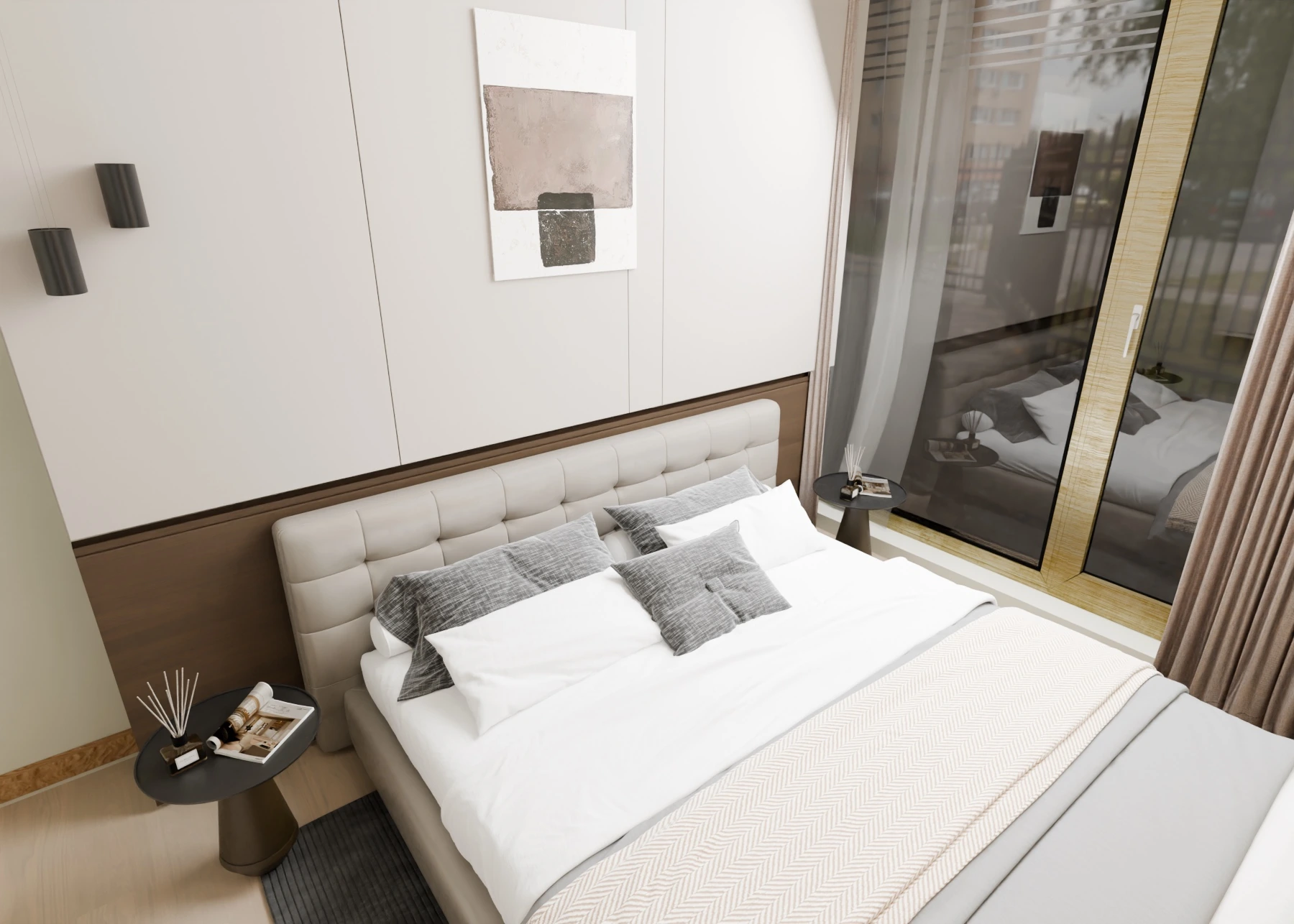
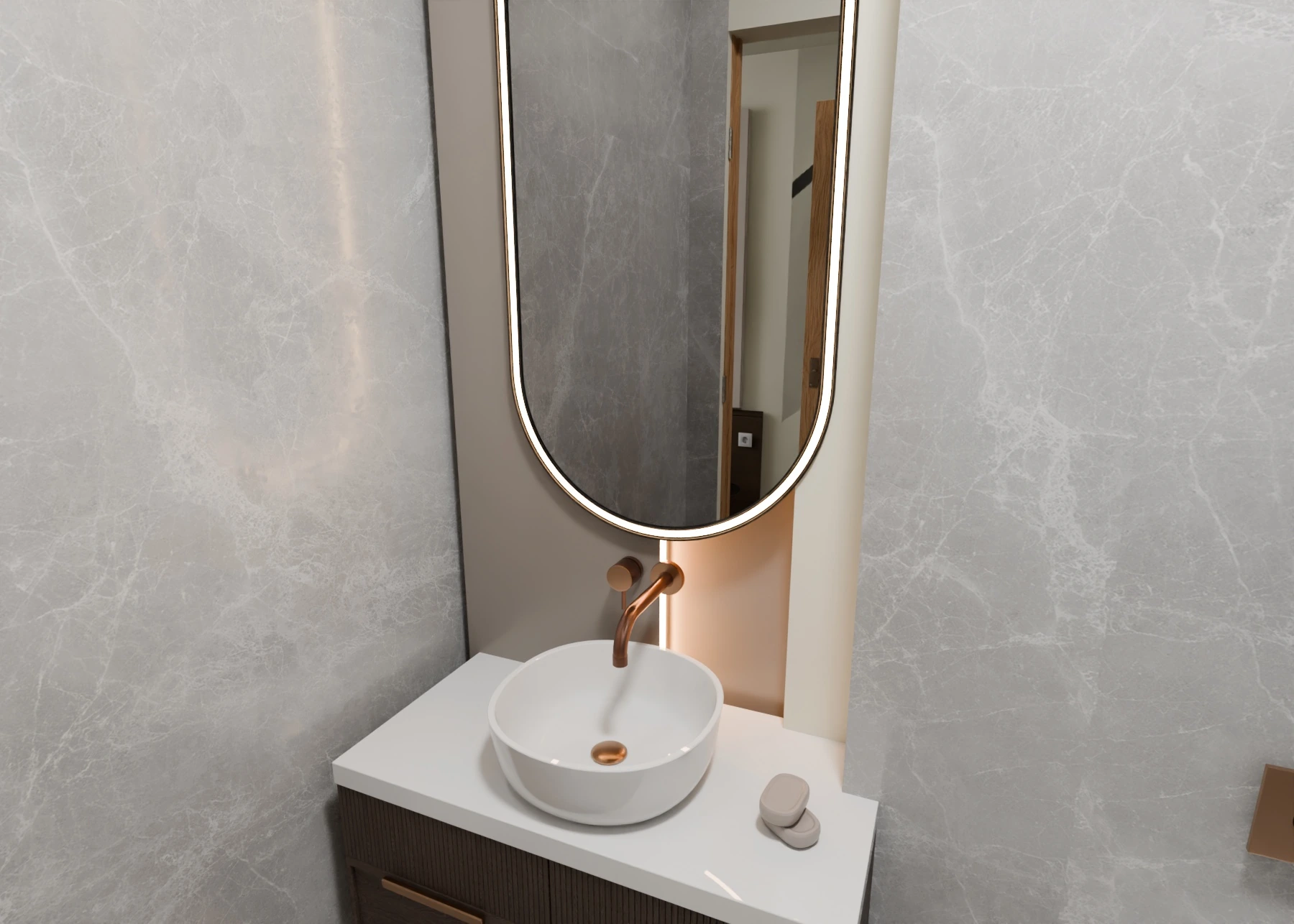
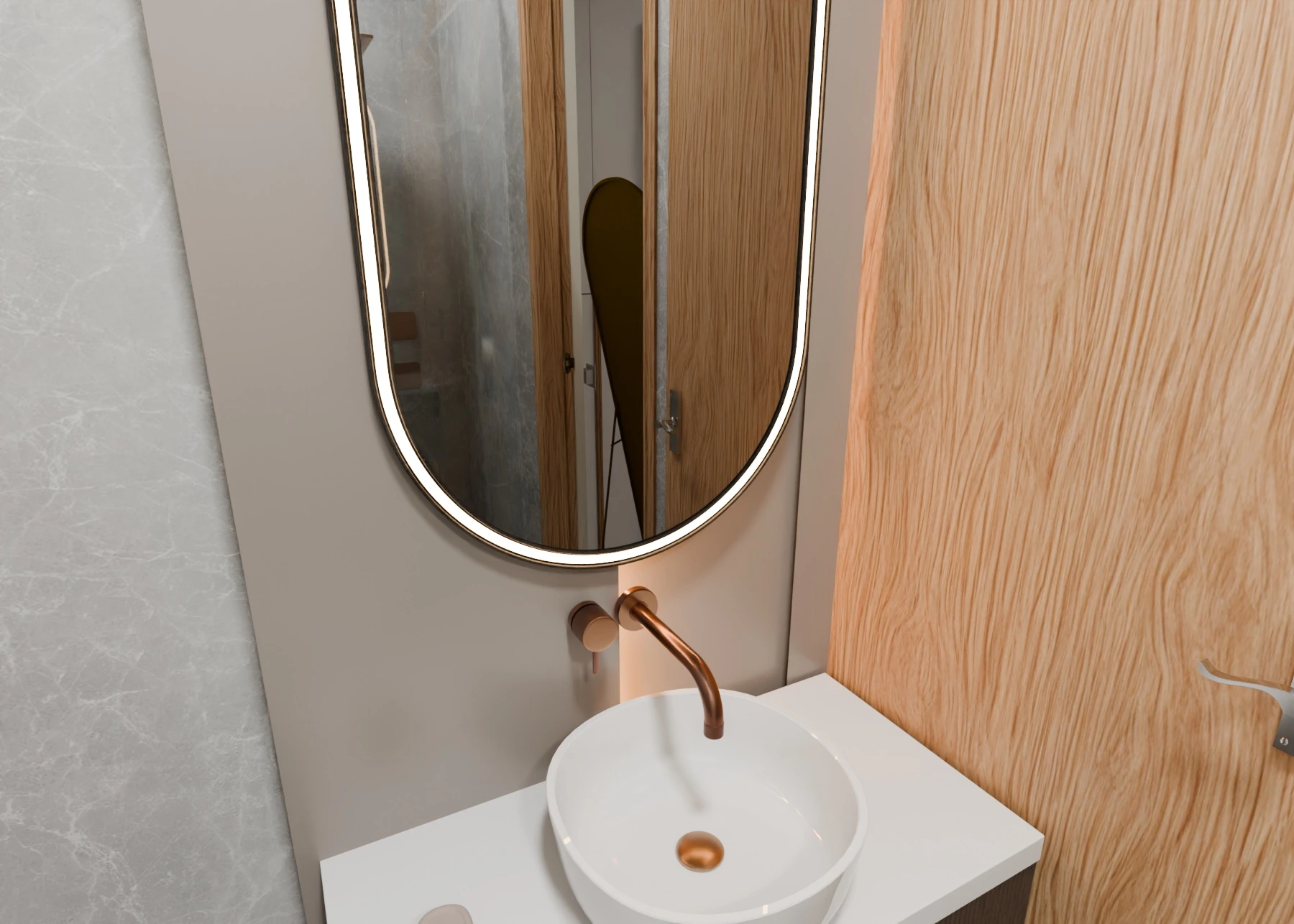
Source and visualization limits
Original furniture geometry, UVs and shader materials are retained, with user-approved wall and pale-floor finish adaptations, with recorded uniform resizing, cabinet fitting and extraction of real donor parts. The architecture is the retained floor-plan-derived shell. Dimensions remain inferred. The browser simplifies geometry and layered shading; fixed room reflections approximate ray-traced bounce and mirrors. The downloaded environment is not the real apartment view.
Preserved source checkpoint SHA-256: c98d1815f299170184bcbcc2a264c7f0667fbdaf26b723db62e9e06b110a88c4
Wall, floor and browser lighting adaptations · Fitting record · Native provenance audit · Historical earlier-model review
Why source previews, Blender renders and the tour look different
The downloaded scene preview includes its own room, windows, camera and lighting. The same furniture in Skyline receives different light and is viewed from wider room cameras. This revision reduces the uniform ceiling fill and gives daylight more direction. Furniture shaders and their original packed images remain in Blender.
The interactive tour approximates layered materials, glass, bounced light and reflections, and uses reduced geometry to keep navigation practical. It does not reproduce every Cycles ray or reflection. The native images above show the quality of the saved Blender scene; a subscription alone does not make every source image high resolution.